01
Everything your shop sells, set up once
Items, categories, brands, colours, sizes, tax rates and HSN codes — plus your customers, suppliers, salesmen and counters. Enter them once, use them everywhere.
Setup & staff
Your items, your prices, your staff, and who is allowed to do what.

Items, categories, brands, colours, sizes, tax rates and HSN codes — plus your customers, suppliers, salesmen and counters. Enter them once, use them everywhere.
A cashier sees the counter. The office sees supplier bills and reports. You see everything. You decide exactly what each person is allowed to do, one permission at a time.

Paper width, your shop's name at the top, what goes on the tag, whether the price prints — set it once, see it before you print, and it prints the same way every time.
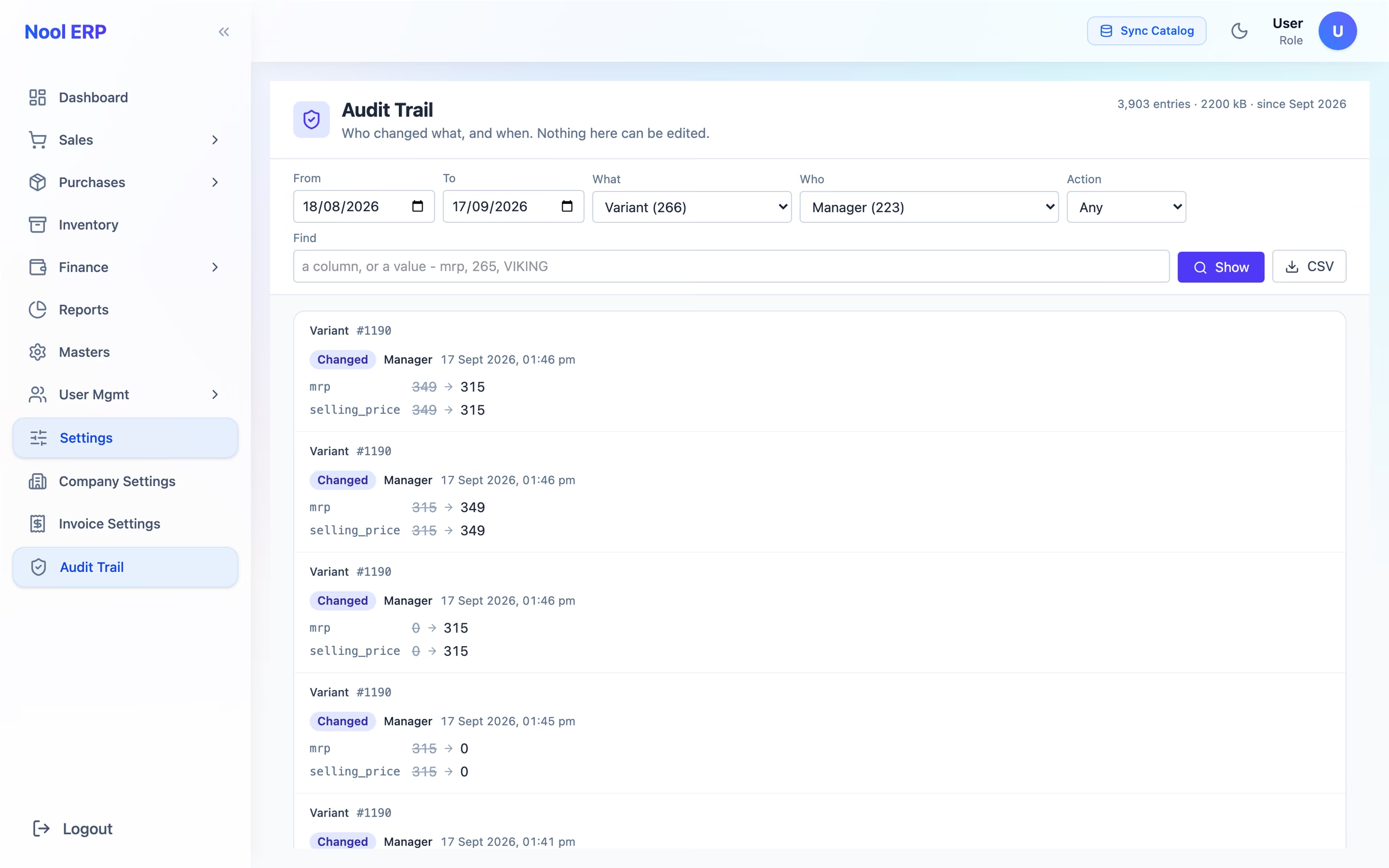
Every change to a price, an item, a supplier, a customer or a setting is on record — what it was before, what it became, who did it and when. So is every login, and every failed one. The record cannot be edited or deleted, by anyone. When a price on the shelf is not what you set, you will know exactly who set it.
Every night Nool backs itself up on the shop computer, and on a schedule sends a copy to your own Google Drive. Whenever you like, it copies everything to a pen drive or external disk you can take home. And because a backup nobody has tried to restore is not really a backup, we restore one in front of you when we hand over.
Next module
Billing counter →The quickest way to judge Nool is to watch one piece go from your supplier's bill to a printed tag to a customer's bill. That takes about ten minutes.